A few months ago, I was digging through session recordings trying to figure out why a client’s sales had suddenly flatlined. Nothing had changed on the surface. The page looked fine. But visitor after visitor was doing the same thing: typing a promo code into a field on the page before checkout, watching it fail silently, and leaving. The actual coupon field was one page later, at checkout, where they never made it. Nobody had done anything wrong. The page just had one small, invisible conflict that was quietly costing every sale that hit it.
That’s usually how it goes. A donation page, a newsletter sign-up, a “contact us” form, they rarely stop working because of bad writing or bad intentions. They stop working because of one small friction point that nobody happened to be looking for.
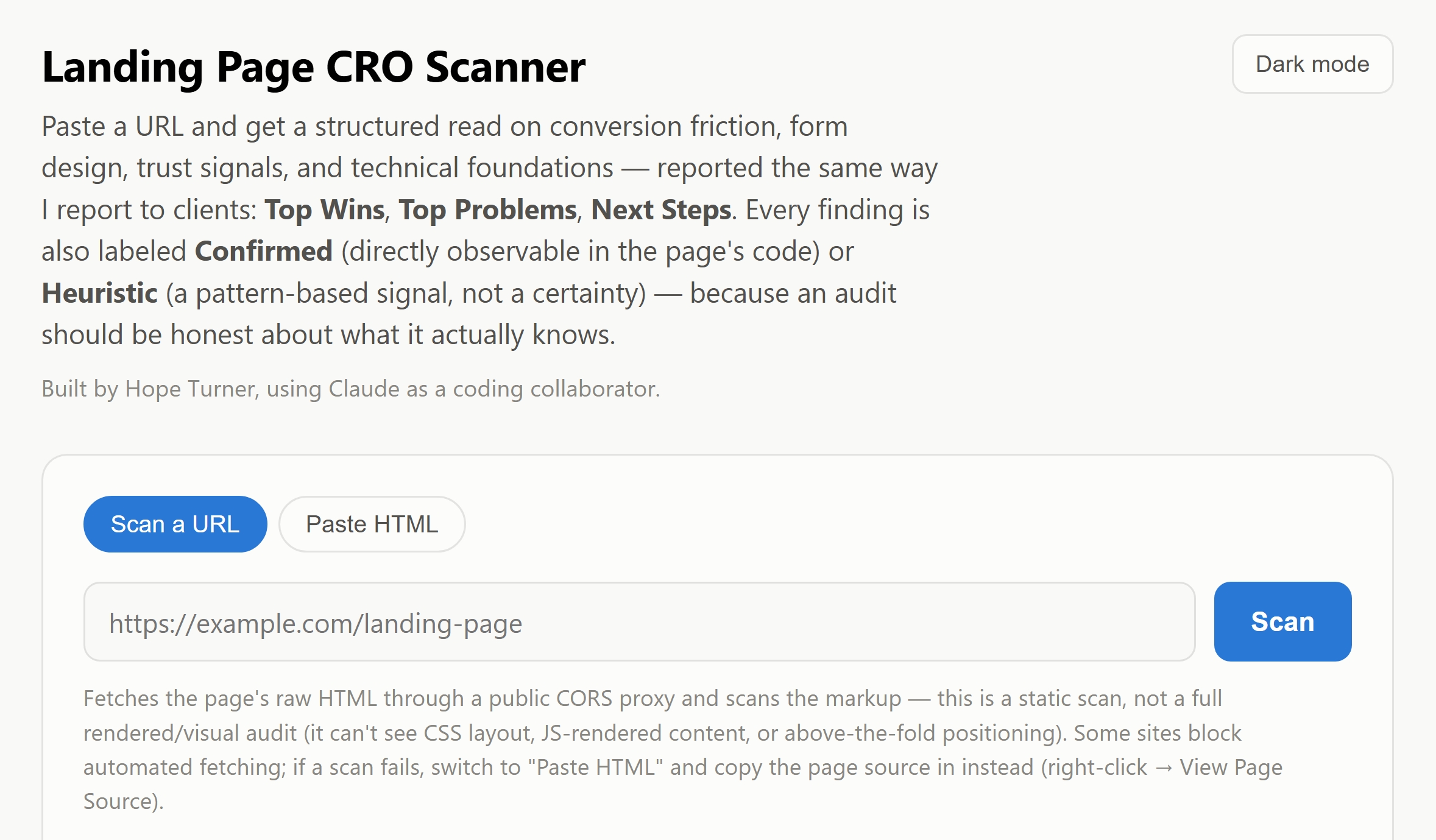
Most nonprofits and faith-based organizations don’t have a marketing team combing through session recordings looking for that kind of thing. So I built a free tool that does a first pass of it for you.
What This Tool Actually Checks
Paste in a page (your donation page, your sign-up form, your homepage, anything) and it looks at four things:
Conversion clarity — can a visitor tell what you want them to do next, and is there anything obviously confusing them (like two fields both claiming to be “the” coupon or discount field)?
Form friction — are you asking for more than you need before someone will act?
Trust signals — does the page give a visitor a reason to believe you, like testimonials, guarantees, or credibility markers?
Technical basics — does the page work properly on a phone, load securely, and have the basic tags that help it show up correctly in search?
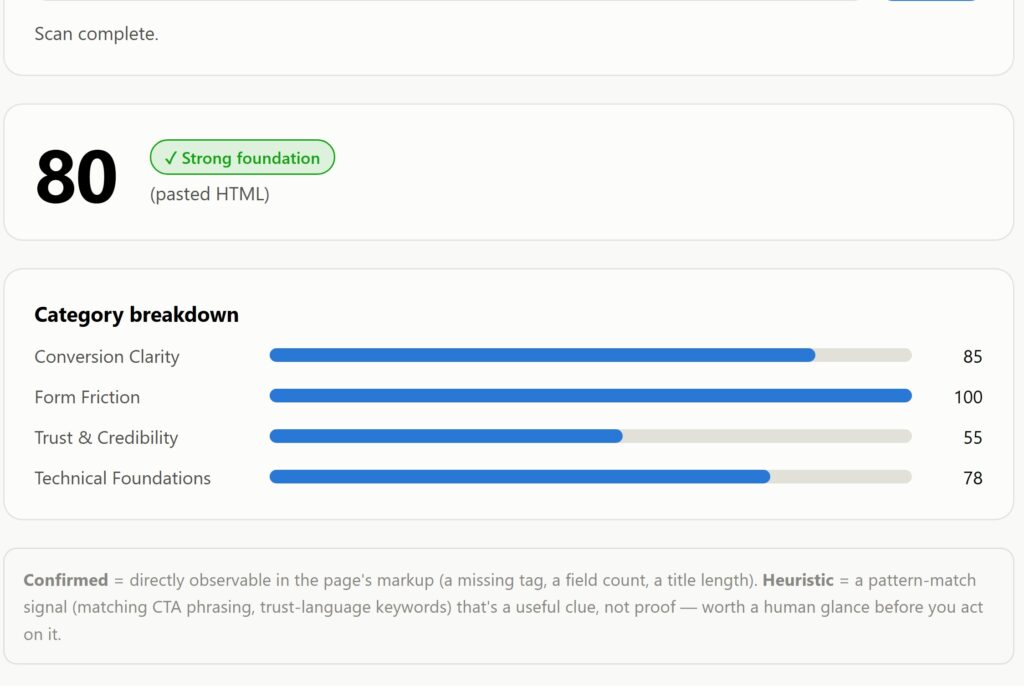
Below is the donation page summary results of a church in Valrico, FL. The results continue on to share Top Wins/ Top Problems/ Next Steps.
How to Use It
- Paste in your page’s URL and click Scan.
- If the scanner can’t reach your page automatically (some hosting setups block that), switch to “Paste HTML” and copy your page’s source in instead — right-click the page and choose “View Page Source,” then paste what you copied.
- You’ll get a score, a breakdown by category, and a plain-language list sorted into Top Wins, Top Problems, and Next Steps.
Every finding is also labeled either Confirmed (something directly visible in your page’s code, like a missing tag) or Heuristic (a pattern that’s worth a human look, not a guarantee). I built it that way on purpose. A tool that pretends to be certain about everything isn’t actually helping you, it’s just adding noise.
What It Can (and Can’t) Tell You
This is a fast first pass, not a replacement for watching how real visitors actually use your site. It reads your page’s code, not how it looks rendered on screen, so it can’t see layout or design problems the way a person can. Think of it as a second pair of eyes that catches the obvious stuff quickly, so you know where to look more closely yourself.
Bookmark This
This tool isn’t a one-time thing. Come back to it:
- Before a giving campaign or big send, to make sure your donation page is in good shape
- Any time you add or change a form
- Whenever something you didn’t expect happens to your traffic or sign-ups, before you assume the worst
Try it below.
Found More Than You Expected?
If this scan turned up a few things you’d rather not tackle alone, or you’d just like a second pair of eyes doing the digging instead of you, that’s exactly the kind of work I do for clients. I’d love to help you fix it, not just find it. Come see how we could work together.